Notes From Launching
Launching My Personal Website: A Journey
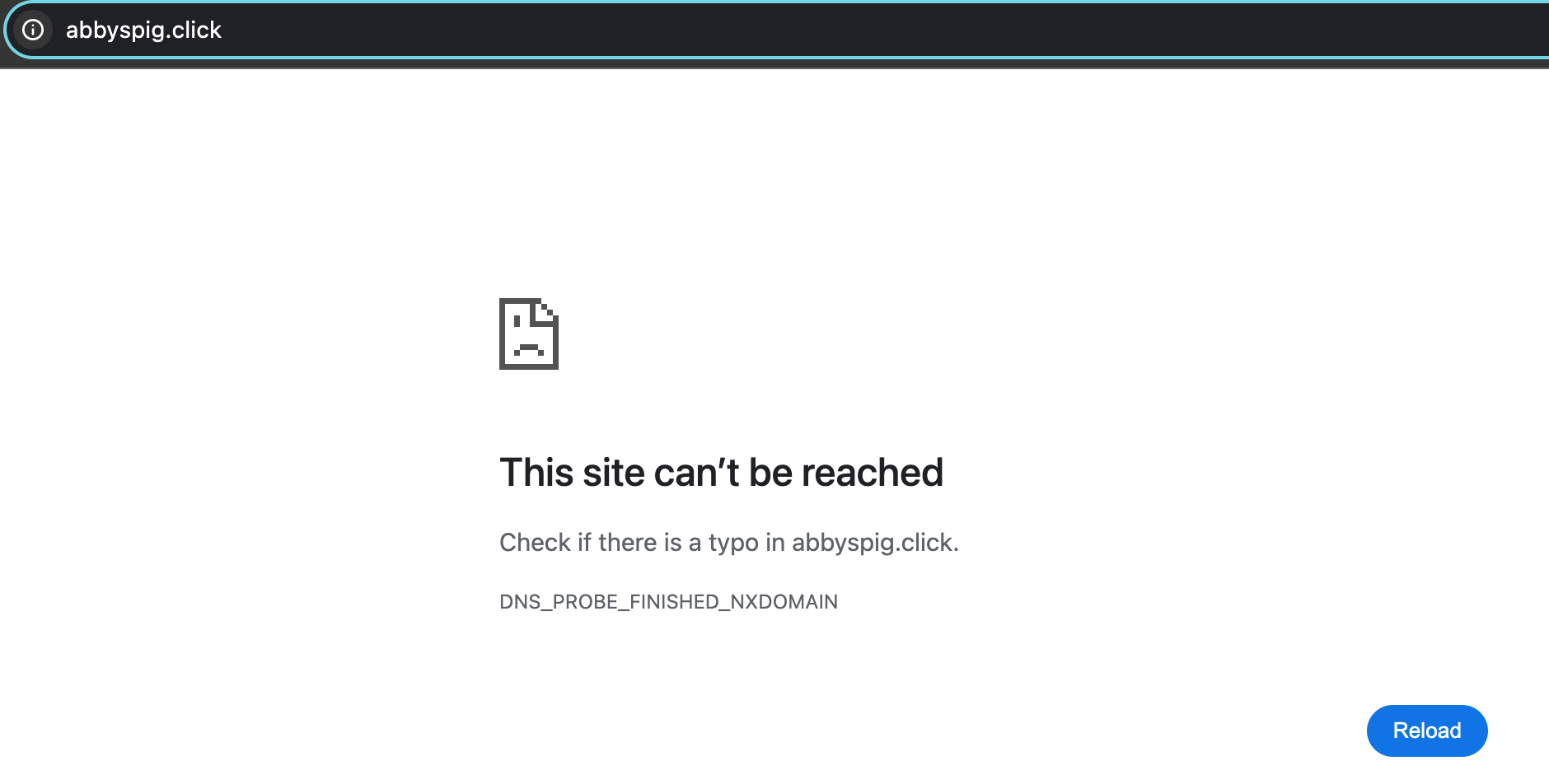
I’m excited to share my new personal website! My first personal website was created in a web programming class. However, after shutting down everything hosted on AWS, it no longer exists. It also had a “clever” name that proved confusing. Was it “abby spig”? Or was it “abby’s pig”? Clearly, it was time for a new and improved personal site.
Here’s a quick rundown of why I built the site, the challenges I faced, and what I’d do differently next time.
Why Build a Personal Website?
I wanted a space to capture and share my thoughts and experiences. A personal website offers the freedom to blog and practice my development skills without relying on social media platforms. I also find it helpful to record my thoughts and ideas so this is simply a natural extension of work I already do.
Choosing the Right Tools
I considered several options before settling on Jekyll with GitHub Pages. Here’s why:
- Free Hosting: I needed something budget-friendly with room to scale later.
- Simplicity & Flexibility: I wanted a simple solution that could grow over time.
After exploring options like plain HTML/CSS, Gatsby, and React, I chose Jekyll because of its ease of use and strong community support.
What Went Well
- Theme Choice: Chirpy theme; Its clean layout and sidebar are perfect for blogging.
- Local Development Setup: Running Jekyll locally made testing changes quick and efficient.
- GitHub Pages Hosting: Free, reliable, and easy to set up—perfect for a starting point.
Challenges & Mistakes
While following GitHub’s tutorial, I encountered a few hiccups:
- Wrong Starting Point: I initially followed the github tutorial, but it would have been more straightforward to pick the theme first and start with the theme’s specific guide (I used Chirpy.)
- Favicon and Avatar Issues: I struggled with customizing the favicon and avatar. Ultimately, these challenges taught me a lot about the build process. Lesson learned: Read instructions carefully!
- Post File Naming: I misunderstood how to name posts. Files should follow the format
YYYY-MM-DD-TITLE.extension, but I initially skipped the title part. Lesson learned: Once again read the instructions!
Next Steps
- Post More Frequently: Aim for weekly posts summarizing ideas and projects.
- Update the URL: Transition to a custom domain like
abigailspigarelli.net. - Add Commenting Abilities: Encourage reader interaction.
- Integrate Analytics: Track site performance and visitor engagement.
- Refine the Design: Continue tweaking the layout and visual elements.
- Explore Backend Components: Experiment with backend work to enhance the site’s functionality.
Final Thoughts
Building this site was a great learning experience, and I’m happy with the results. I look forward to iterating on it :)
Thanks for reading! Stay tuned for more updates.